
Scan receipts on the go with the Spesenfuchs mobile app
Enter receipts directly with your smartphone and transfer them automatically to your receipt inbox in Spesenfuchs. This way, receipts, invoices and till receipts end up directly where they are needed for your expense and travel expense report. The app is deliberately focused on mobile receipt entry.


Capture receipts digitally immediately – instead of chasing them later
If you have expenses while traveling, you don’t want to collect receipts, lose them or have to laboriously type them out later. With the Spesenfuchs mobile app, you can photograph receipts directly after purchase or during the trip. The receipt is automatically uploaded to your personal receipt inbox in the Spesenfuchs web application, where it is ready for further processing.
Your advantages at a glance
Scan quickly with your smartphone:
Capture receipts directly on the go – without detours and without paper chaos.
Capture receipts directly on the go – without detours and without paper chaos.
Available directly in the receipt inbox:
Your receipts automatically end up in Spesenfuchs and do not get lost.
Your receipts automatically end up in Spesenfuchs and do not get lost.
Automatic data recognition:
Important information such as amount, date and merchant are recognized automatically.
Important information such as amount, date and merchant are recognized automatically.
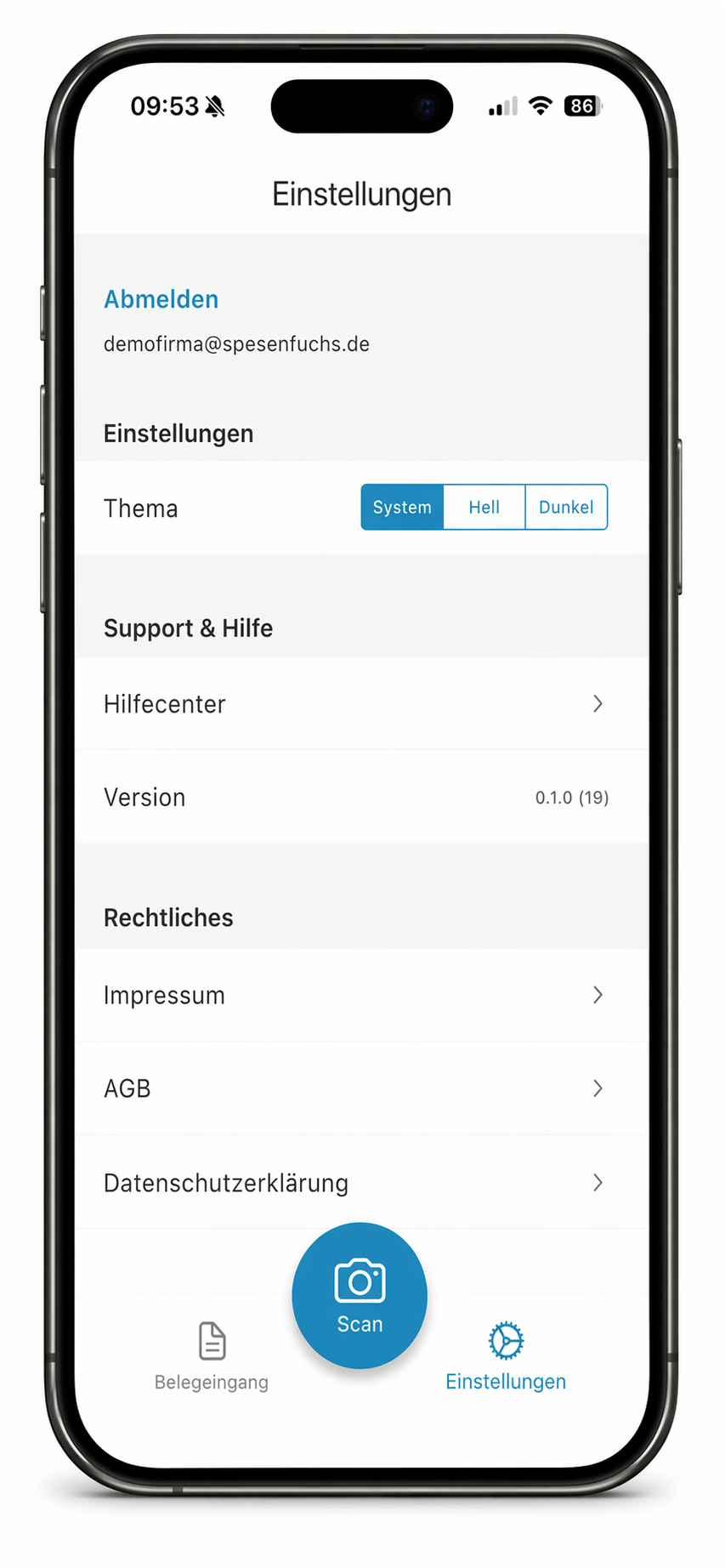
How easy the Spesenfuchs mobile app works
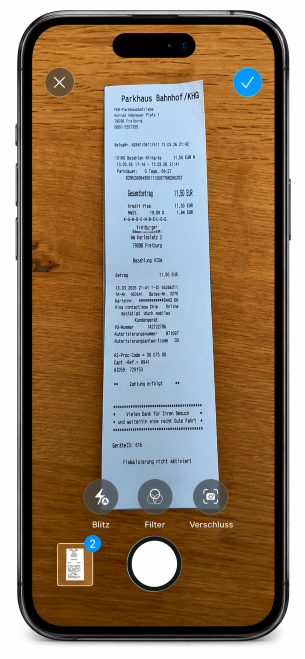
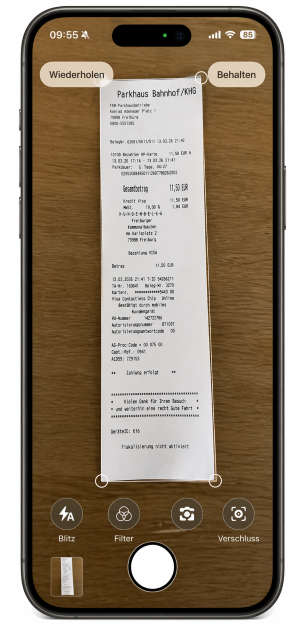
Step 1: Enter document
Log in with your Spesenfuchs account. Then open the camera or the scan area directly and point your smartphone at the receipt. The scan can be generated automatically or triggered manually.
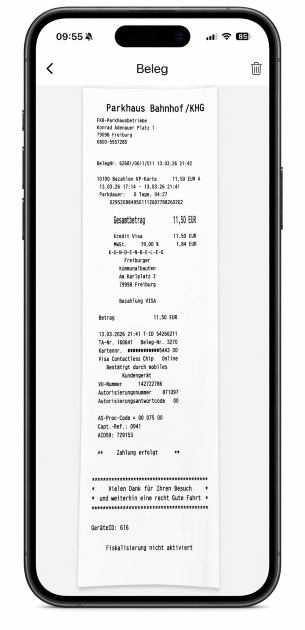
Step 2: Upload receipt
The receipt is automatically transferred to your receipt inbox.
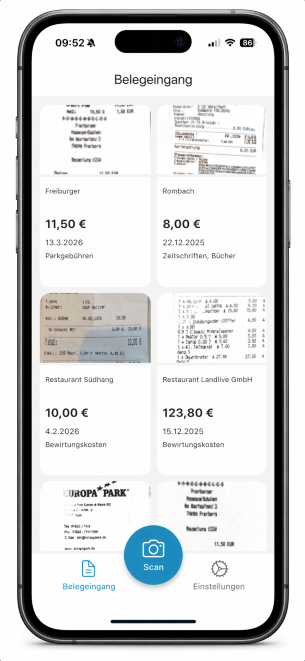
Step 3: Continue working in the receipts inbox
After uploading, you will find the receipt in your receipt inbox. There you will see the preview, amount, date and receipt type and can then use the receipt in the Spesenfuchs web application for your expense or travel expense report.


